Tech-Freedom for Visually Impaired
Make every day
more accessible.
Read documents, listen to text, explore with AI and manage everyday tasks. Tech-Freedom brings practical accessibility tools into one place for blind and visually impaired people.
Available on Android and Windows. iOS and macOS coming soon. Features and plans vary by platform.
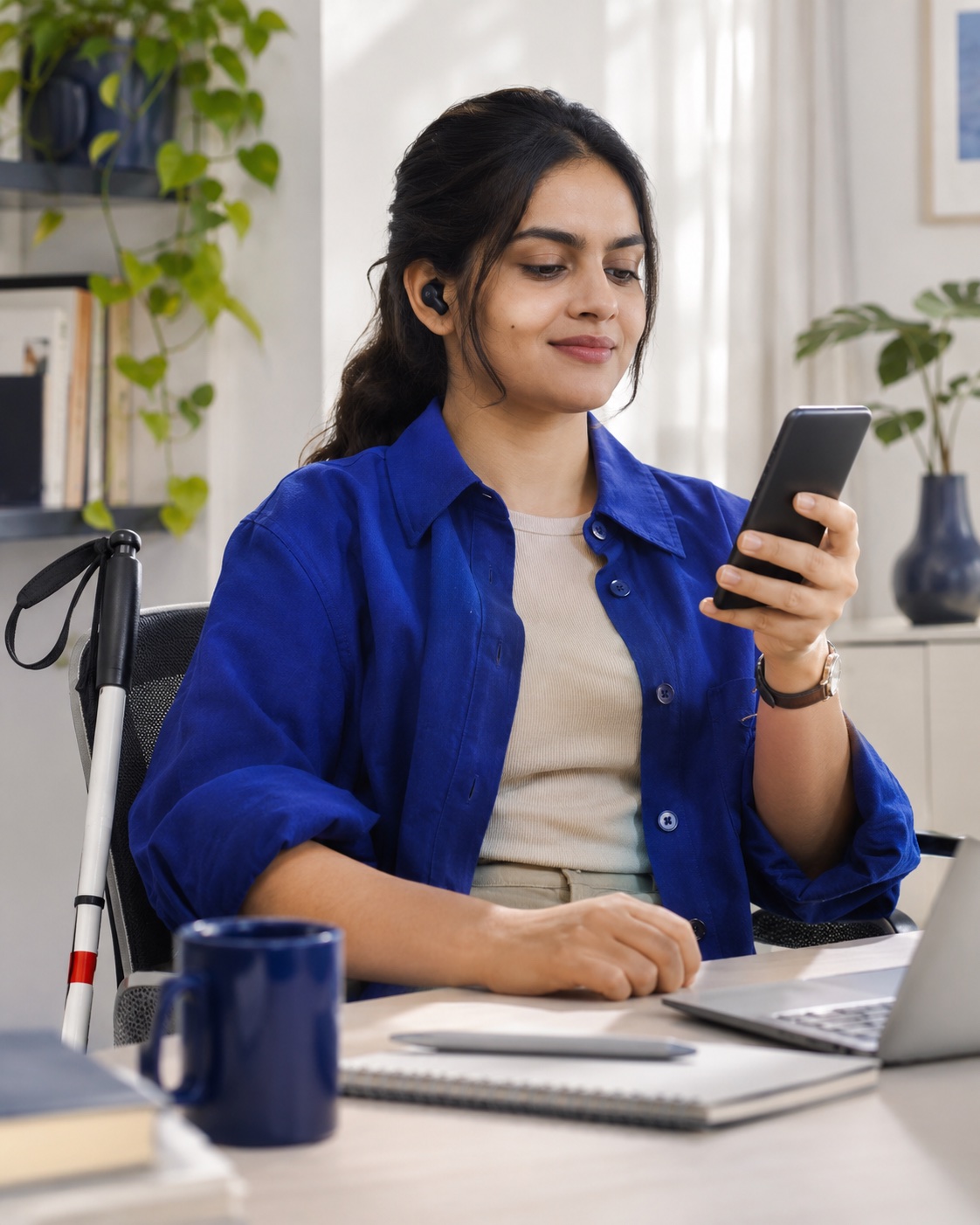
Built around real tasks
Less switching.
More getting things done.
You should be able to choose a task and get on with it. Start with the tools that matter to your day.
Read and understand
Open digital documents, recognize printed text and explore information in a reading experience built for accessibility.
Listen and create
Turn writing into audio, transcribe recordings and work with the media you choose.
Organize the everyday
Keep notes and links, use practical utilities and return to information when you need it.
Choose your starting point
A useful tool for
the task in front of you.
Android feature
Cash Reader
Identify supported banknotes with your Android device’s camera and hear their denominations through your screen reader.
Explore Cash ReaderDocument Reader
Read and navigate supported PDFs, eBooks and Office documents.
Image Analyzer
Recognize text and ask for an explanation of selected images.
TF AI
Ask questions, explore ideas and work with selected content.
Text to Audio
Turn written content into spoken audio you can save.
The catalog covers tools across the project. Availability depends on your platform, app version and plan.
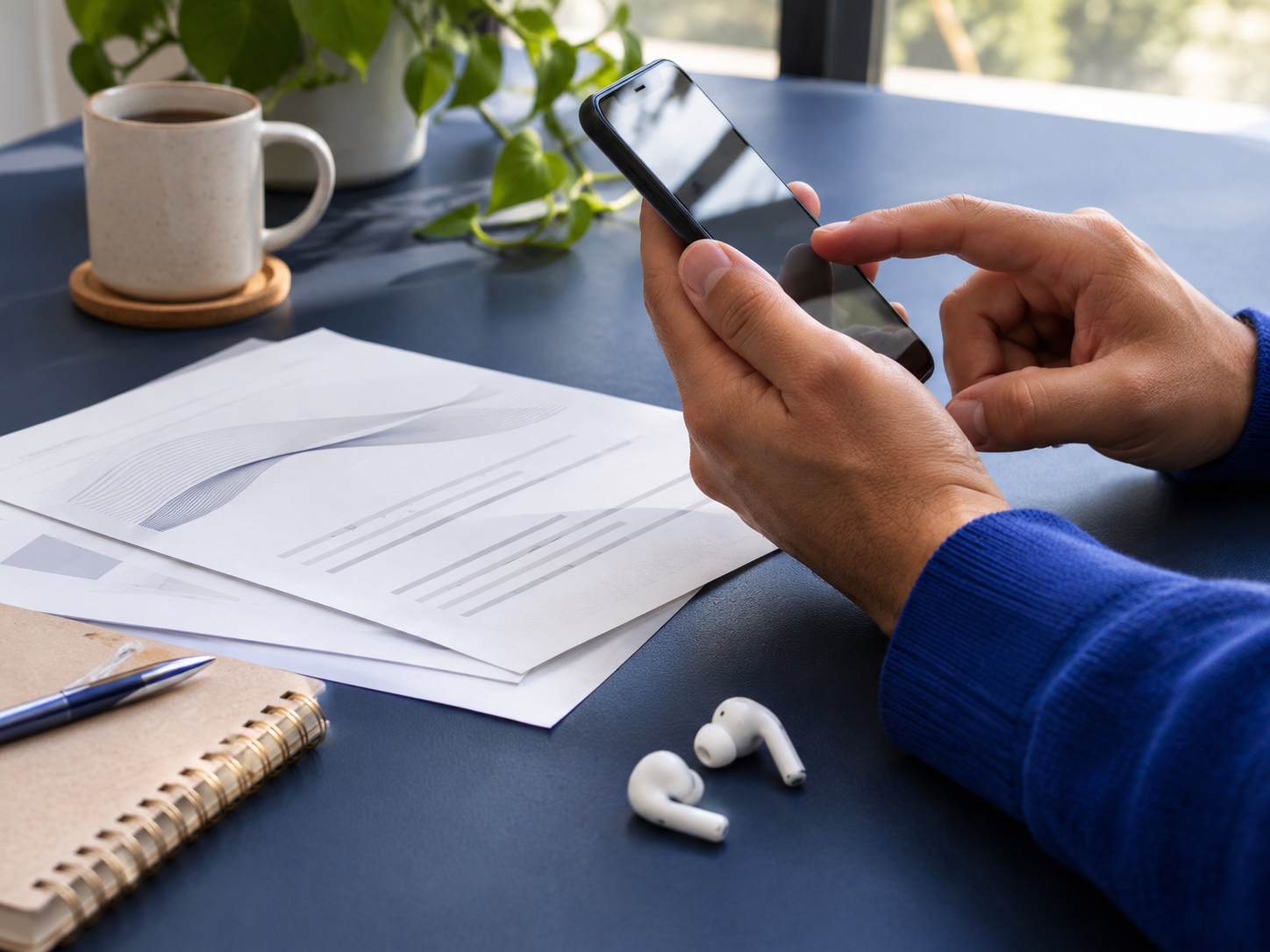
From a page to a voice
Information that works
the way you do.
- Capture or open
Select a supported document, choose an image or scan a printed page.
- Read or recognize
Navigate digital text or use recognition to make an image’s words readable.
- Listen or keep working
Choose a supported voice, save an output or use another tool for your next task.
Across your devices
Choose the platform
that fits your day.
Android
Mobile accessibility tools
Reading, recognition, speech, media and everyday utilities.
View on Google PlayWindows
Desktop reading and productivity
Documents, AI, audio and media tools for your desktop workflow.
View on Microsoft StoreiOS, iPadOS and macOS
Coming soon
Tech-Freedom for iPhone, iPad and Mac is in development. Release details will be shared here when available.
Apple release detailsCreated from lived experience
Accessibility is
personal to us.
Tech-Freedom is a project by V.I. Developers, a team of visually impaired students. Practical barriers shape the work: accessing a document, hearing information and completing a task with greater independence.
Meet the project